[Image]
This experience sits at the moment when shoppers stop browsing and start evaluating. People are trying to decide if a product looks right for them—materials, shape, and details—before moving any further. For the business, this moment supports confidence-building that directly affects whether someone continues toward purchase or backs out with uncertainty.
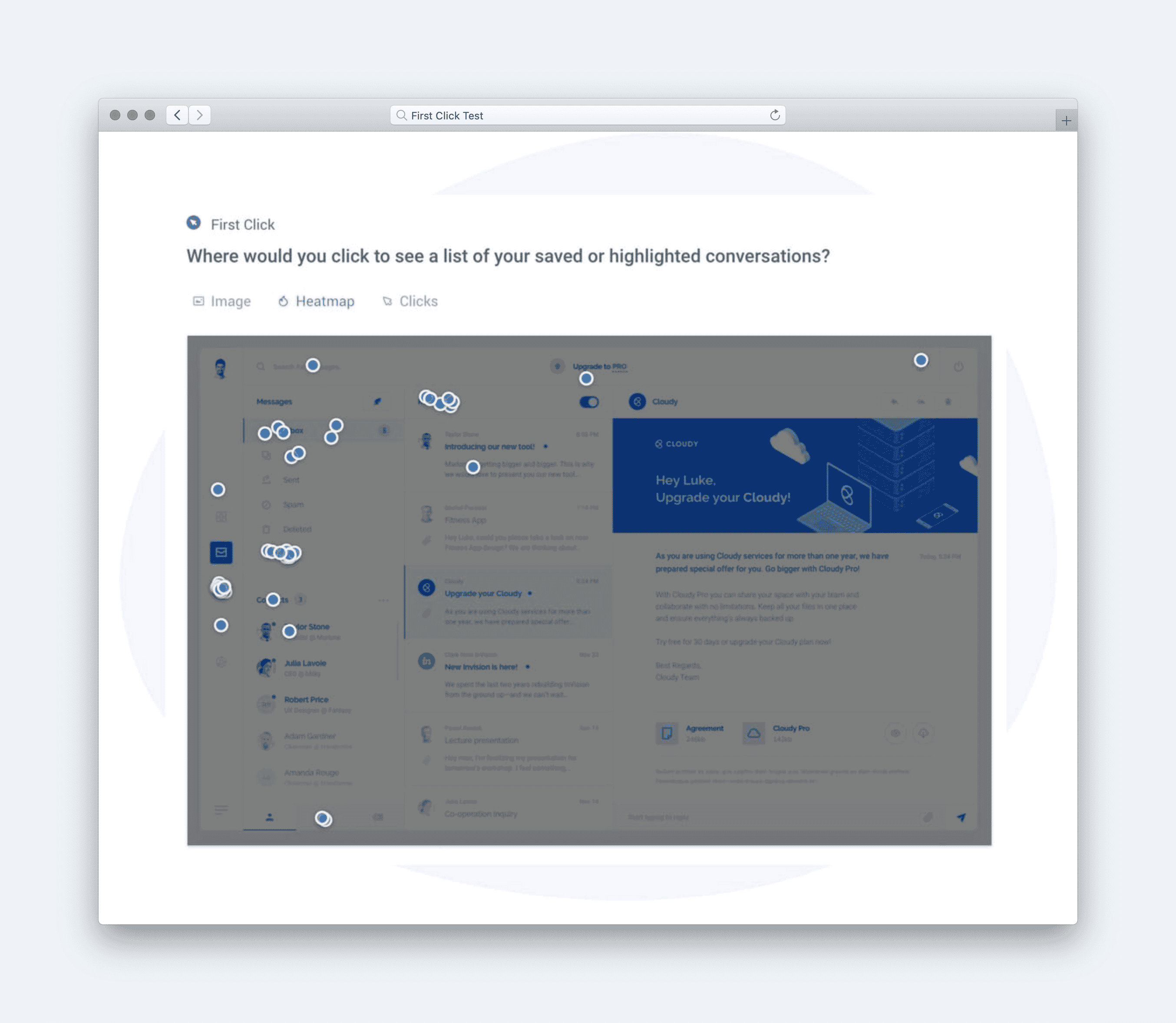
We tested the product image zoom and gallery on HOKA’s product detail page. Participants were asked to imagine shopping for shoes, click to get a closer look, return to the previous view, and share how they felt about the experience. The test used Success, Sentiment, and Usefulness metrics to reveal how easily users could complete key actions, how the imagery made them feel, and whether the experience supported their needs during evaluation.
Testing this type of experience surfaces where confidence is gained—or lost—through interaction, not messaging. It helps teams see whether friction comes from unclear controls, missing cues, or broken flow at critical transitions. These signals matter because even small moments of hesitation during evaluation can interrupt momentum in one of the highest-impact parts of the shopping journey.
Define Goals for Your Product Image Zoom & Gallery
An eCommerce product image zoom experience should balance user needs like clarity, trust, and ease with business goals such as conversion confidence and reduced returns. Users want to closely inspect materials, details, and craftsmanship before committing, especially for products like shoes where fit and build matter. Businesses want that inspection to increase confidence, not hesitation. When image zoom works, it replaces uncertainty with assurance.
**Audience:**
This concept was tested with online shoe shoppers in the United States who interacted with Hoka’s product detail page image zoom feature. Participants were asked to explore product images, zoom into details, and share whether the experience helped them feel confident about quality, fit, and purchase readiness.
User Needs
At this moment, users are validating quality before committing. The experience should support close inspection without friction.
-
The zoomed images should reveal meaningful details that help users evaluate the product (insightful).
-
Interacting with zoom should feel smooth and easy, without confusing controls (usable).
-
Visuals should feel accurate and trustworthy, reflecting the real product (credible).
-
Users should be able to inspect details quickly without breaking their browsing flow (efficient).
-
The product should continue to look appealing even under close scrutiny (desirable).
Together, these needs ensure image zoom builds confidence rather than doubt at the moment of decision.
**Business Goals
**From the business perspective, image zoom supports confidence-driven conversion.
-
Increase Purchase Confidence – Help shoppers feel certain about product quality and details.
-
Reduce Product Returns – Set clearer expectations through accurate, detailed imagery.
-
Support Conversion Completion – Remove visual uncertainty that can stall checkout decisions.
-
Reinforce Product Quality Perception – Showcase craftsmanship and material details effectively.
-
Learn What Visuals Matter Most – Understand which zoomed details users spend time inspecting.
When these goals are aligned, product image zoom becomes a trust-building tool—helping shoppers commit with clarity and helping brands convert without surprises.
Choose Metrics to Test Your Product Image Zoom and Gallery
This test examined a product image zoom and gallery experience at the moment shoppers are deciding whether what they see is enough to move forward. A focused design stack of UX metrics was selected by mapping core user needs to observable signals in behavior and perception. The metrics used here were Success, Sentiment, and Usefulness.
Usable → Success At this point in the journey, users want the interaction to feel straightforward and predictable. Success captures whether people can complete basic actions—zooming in and returning—without stopping to think. It reflects how clearly the experience communicates what’s clickable and how to move between views.
Credible → Sentiment When users zoom in, they’re looking for reassurance that the product is what it claims to be. Sentiment captures the emotional response to that closer view—whether it builds trust or raises doubt. This metric signals how the imagery affects confidence, not just satisfaction.
Useful → Usefulness Shoppers aren’t zooming for novelty; they’re trying to answer specific questions about the product. Usefulness reflects whether the gallery actually helps them evaluate details that matter for a purchase decision. It captures whether the experience supports judgment, not just interaction.
Together, these metrics focus on whether the experience works at a practical level, builds confidence visually, and delivers information that helps users decide—without over-indexing on surface polish alone.
Establish Hunches to Direct Your Testing
Before testing, the team needed to reduce uncertainty around how shoppers actually use close-up product imagery. These hunches helped focus the test on moments where confidence could either build smoothly or break down. Each hunch shaped a clear question tied to a specific UX metric.
Example: HOKA Product Image Zoom and Gallery
<table xmlns="http://www.w3.org/1999/xhtml" style="min-width: 75px;"><colgroup><col style="min-width: 25px;"><col style="min-width: 25px;"><col style="min-width: 25px;"></colgroup><tbody><tr><th colspan="1" rowspan="1"><p>Hunches</p></th><th colspan="1" rowspan="1"><p>Questions</p></th><th colspan="1" rowspan="1"><p>UX Metrics</p></th></tr><tr><td colspan="1" rowspan="1"><p>Shoppers will immediately recognize that the product image is interactive and know where to click to see a closer view. If this isn’t obvious, they may miss an important confidence-building step.</p></td><td colspan="1" rowspan="1"><p>Click where you would go to get a better view of these shoes.</p></td><td colspan="1" rowspan="1"><p>Success</p></td></tr><tr><td colspan="1" rowspan="1"><p>Seeing the product up close will make shoppers feel more confident and positive about the product overall. If the imagery feels insufficient or misleading, sentiment may drop even if the interaction works.</p></td><td colspan="1" rowspan="1"><p>How do you feel about this closer view of these shoes?</p></td><td colspan="1" rowspan="1"><p>Sentiment</p></td></tr><tr><td colspan="1" rowspan="1"><p>Once users enter the zoomed view, they will clearly understand how to return to the main product page. If exit controls aren’t clear, momentum may stall.</p></td><td colspan="1" rowspan="1"><p>Click where you would go to return to the previous view.</p></td><td colspan="1" rowspan="1"><p>Success</p></td></tr><tr><td colspan="1" rowspan="1"><p>The zoom and gallery features will feel helpful rather than decorative, supporting real evaluation needs. If users don’t see practical value, the experience may feel unnecessary.</p></td><td colspan="1" rowspan="1"><p>How much do you agree with the following statement? ‘The website’s features meet my needs.’</p></td><td colspan="1" rowspan="1"><p>Usefulness</p></td></tr></tbody></table>
Together, these hunches aimed to test whether the gallery builds confidence without adding friction, balancing understanding, reassurance, and forward momentum in a high-stakes decision moment.
Turn Hunches into Test Questions
Turning hunches into concrete questions keeps testing grounded in what users can actually do and report. Pairing each UX metric with a specific question type ensures the signals reflect real interaction, not abstract opinion.
- **Success (First-click test)**
Question type: First-click test
Example: “Click where you would go to get a better view of these shoes.”
[Image]
- **Sentiment (Multiple-choice impressions)**
Question type: Multiple-choice impressions
Example: “How do you feel about this closer view of these shoes?”
[Image]
- **Success (First-click test)**
Question type: First-click test
Example: “Click where you would go to return to the previous view.”
[Image]
- **Usefulness (Likert scale)**
Question type: Likert scale agreement
Example: “How much do you agree with the following statement: ‘The website’s features meet my needs.’”
[Image]
Calculate UX Metric Scores from User Feedback
This test examined how shoppers interact with and evaluate the product image zoom and gallery on HOKA’s product detail page. Users were trying to get a closer look at the shoes, interpret what they saw, and return to the main page without losing momentum. The design stack combined Success, Sentiment, and Usefulness, capturing both behavioral completion and attitudinal response.
-
Very Good = 90% and above
-
Good = 70%–89%
-
Average = 50%–69%
-
Poor = 30%–49%
-
Very Poor = below 30%
The overall test score was 85% (Good). At a high level, this reflects an experience that largely supports user confidence and task completion, with minor friction appearing at specific interaction moments rather than across the entire flow.
**Success (88% — Good):**
Most participants quickly identified where to click to get a closer view of the product. This indicates that the primary interaction affordance is clear and aligns with user expectations. Users moved forward confidently at the start of the experience.
**Sentiment (98% — Very Good):** Participants expressed strong positive feelings about the close-up imagery once they accessed it. The zoomed view reinforced confidence in the product’s appearance and quality. Emotionally, this moment strongly supported reassurance rather than doubt.
**Success (71% — Good):**
When asked to return to the previous view, more users hesitated. While most still completed the task, the lower score suggests uncertainty around exit controls or state change. This signals a brief loss of momentum during transition.
**Usefulness (84% — Good):**
Users generally agreed that the experience was easy to use. Feedback suggests the gallery supports evaluation without feeling overly complex or distracting. The interaction helps rather than gets in the way.
[Image]
Taken together, the scores point to a visually reassuring experience that performs well during inspection but softens slightly at interaction edges. Confidence is built through imagery, while minor usability strain appears during transitions. Overall, this is a strong evaluative experience with small moments where clarity briefly thins under focus.
Click here to check out the raw survey data and UX metric scores for Hoka product image zoom.
Draw Signals from Your Design Stack
1. Focus on poorly scoring metrics
[Image]
Hoka’s product image zoom achieved an overall score of 85% (Good), with Sentiment (98%) and Usefulness (84%) performing strongly, while Success showed a notable dip—specifically around users’ ability to exit or close the zoom interaction smoothly. This gap signals a friction point at a critical micro-moment: while users love inspecting product details, the interaction occasionally interrupts momentum when they try to return to browsing. The key signal: a highly appealing and confidence-building zoom experience that falters slightly at the moment of disengagement.
2. Use design intuition to identify patterns across metrics
[Image]
The pattern shows a classic confidence vs. control tradeoff. Users feel reassured and impressed while zoomed in—visual clarity, detail fidelity, and perceived quality are all strong—but once they’re done inspecting, the interface doesn’t always make the “next step” obvious. This creates a subtle sense of being momentarily trapped, which impacts task success without significantly harming emotional response.
In other words, the zoom experience excels at inspection, but not at transitioning users back into the shopping flow.
3. Determine if user needs are being met
[Image]
-
Insightful: Exceeded — zoomed images reveal meaningful product details that support evaluation.
-
Credible: Exceeded — visuals feel accurate, high-quality, and trustworthy.
-
Desirable: Exceeded — product remains visually appealing even under close scrutiny.
-
Efficient: Met — users can inspect details quickly, but exiting introduces friction.
-
Usable: Partially met — interaction while zoomed is smooth, but closure controls lack clarity or immediacy.
4. Compare outcomes to your business goals
-
Increase Purchase Confidence: Achieved — strong sentiment and usefulness indicate reassurance at the moment of decision.
-
Reduce Product Returns: Supported — accurate imagery helps set expectations.
-
Support Conversion Completion: Partially achieved — exit friction may slow progression back to CTA actions.
-
Reinforce Product Quality Perception: Fully achieved — visuals strongly communicate craftsmanship and detail.
-
Learn What Visuals Matter Most: Supported — engagement suggests zoom is a valued inspection tool.
5. Surface signals & establish a direction
Signals derived from the data:
-
Users deeply value zoom for validation, not exploration.
-
Emotional response is overwhelmingly positive once inside the experience.
-
Friction appears not during use—but during exit, where control clarity matters most.
**Direction based on business context:**
To preserve confidence while protecting shopping momentum, next steps should include:
[Image]
-
Making exit controls more prominent and intuitive (larger close icon, clearer affordance).
-
Supporting secondary exit behaviors (click outside, ESC hint, swipe down on mobile).
-
Testing visual cues that signal “inspection complete” without forcing interaction.
The signal is clear: Hoka’s image zoom builds trust and desire exceptionally well—making it easier to leave the zoom will ensure that confidence flows seamlessly into conversion.