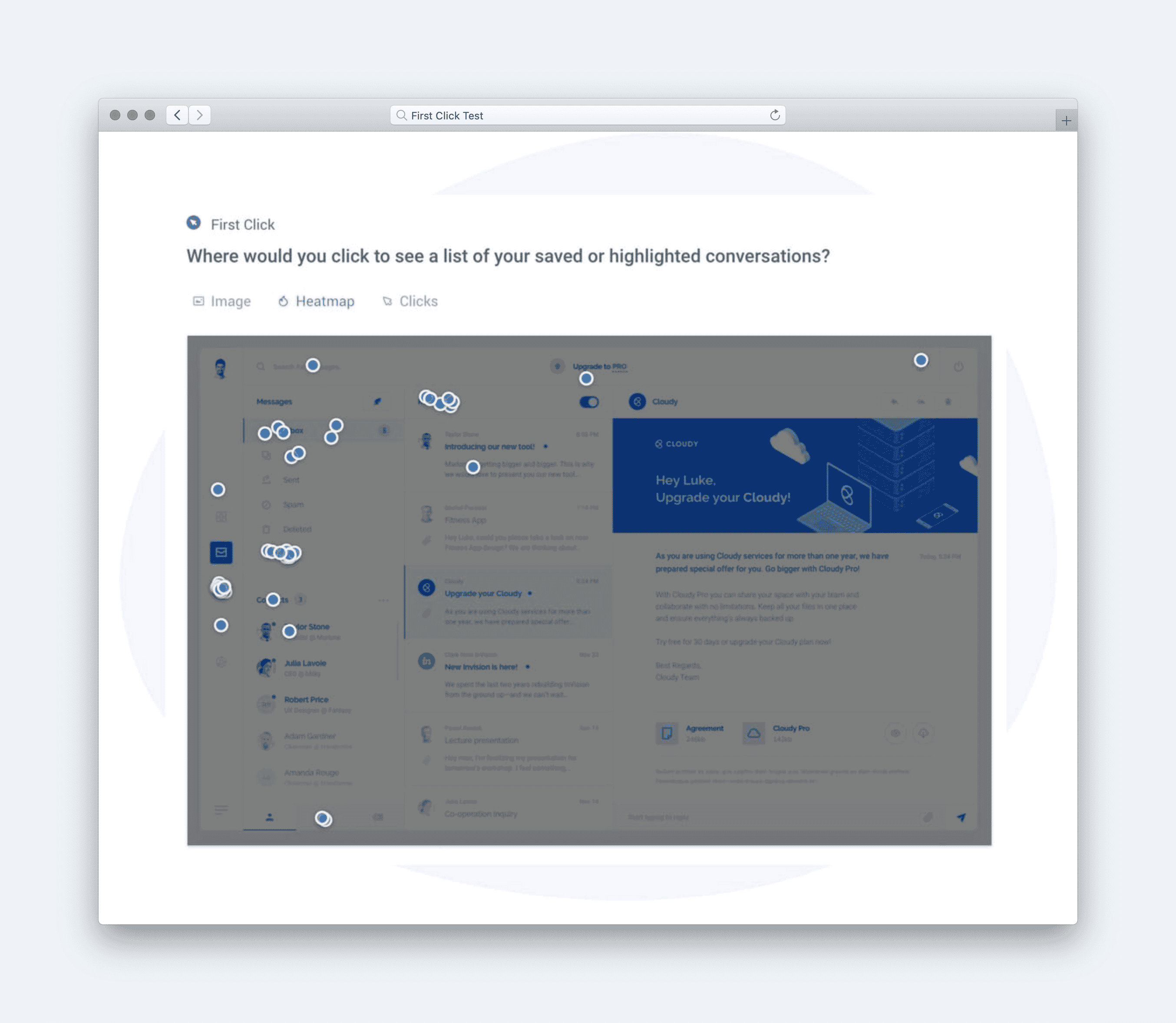
If users can’t use it, they can’t trust it. Usability is what turns discovery into action.
Once people find what they need, the next test is whether they can use it easily and confidently. If they have to think too much, guess too often, or correct too many mistakes, trust fades.
A usable experience removes friction and uncertainty. It gives people control, clarity, and reassurance with every step, turning effort into flow.
This page shows how to evaluate usability, measure it with real UX metrics, and strengthen it before small frustrations turn into lost confidence.
How to Use This Page
Use the Usability Heuristics to evaluate how intuitive, efficient, and forgiving your product feels. These guidelines reveal where friction hides and how to design interactions that feel natural to both first-time and experienced users.
-
Select a common flow, task, or screen.
-
Review each heuristic and its supporting metrics.
-
Observe where users pause, backtrack, or make errors.
-
Capture signals through usability testing or analytics.
-
Prioritize improvements where completion and satisfaction drop.
Where This Fits in Glare
Usability belongs to the Define phase of the Glare framework. It represents the second layer of understanding, after Findable ensures users can locate what matters, Usable ensures they can actually act on it.
Strong usability leads to higher completion rates, fewer errors, and more confident users. It’s the bridge between clarity and credibility, where design either earns trust or loses it.
Why Usable Experiences Matter
A usable experience can:
-
Reduce confusion and cognitive load.
-
Boost task success and completion.
-
Create confidence and repeat engagement.
-
Turn complexity into clear, learnable steps.
When users feel capable, they stick around. Usability transforms frustration into progress, t’s how design earns loyalty.
Common UX Metrics for Usable Experiences
Behavioral Metrics (User Actions)
-
Completion Rate: Do users finish what they start?
-
Error Rate: How often do they make or recover from mistakes?
-
Time on Task: How long does it take to complete a key flow?
-
Effort: How many steps or corrections are required?
-
Satisfaction: Do users feel confident and in control?
These metrics create measurable signals that show where design supports, or slows, the user.
Usability Heuristics
Usability Heuristics turn good design habits into measurable clarity. Originally defined by Jakob Nielsen, these ten principles remain the foundation of what makes interfaces intuitive, consistent, and forgiving.
In Glare, we extend these heuristics by connecting each one to UX metrics, turning timeless design wisdom into observable signals you can measure. They show where users hesitate, struggle, or succeed, not through opinion, but through proof.
When applied together, these heuristics transform interaction into understanding. They make systems predictable, forgiving, and effortless to use, helping teams move from assumption to evidence. Strong usability isn’t just about fewer clicks, it’s about earning trust through every clear, confident action that confirms your design works as expected.
1. Visibility of System Status
Users should always know what’s happening.
Clear system feedback keeps users informed and confident. Silence breeds uncertainty.
**Tips:
**• Use progress indicators and confirmations.
• Show immediate results of every action.
• Avoid hidden or delayed system states.
**Example:
**A dashboard displays “Saving…” followed by “All changes saved” within seconds.
Metrics:
-
Trust – Do users feel confident that the system is responding?
-
Completion – Can users tell when a process or task is finished?
-
Time to Activate – How quickly does the system confirm an action?
2. Match Between System and the Real World
Use words and patterns that make sense to users. Familiar terms reduce friction and help people act without translating meaning.
**Tips:
**• Speak the user’s language, not internal terminology.
• Organize content by goals, not departments.
• Follow real-world order and logic.
**Example:
**A banking site uses “Transfer Money” instead of “Initiate Funds Movement.”
Metrics:
-
Usefulness – Do users feel the language matches their expectations?
-
Comprehension – Can users understand what actions or options mean?
-
Effort – How many corrections or steps are needed to get it right?
3. User Control and Freedom
Let users undo, redo, or cancel without fear. Freedom builds confidence and prevents errors from feeling permanent.
**Tips:
**• Include undo and cancel options for key actions.
• Confirm before irreversible changes.
• Keep users informed of what’s recoverable.
**Example:
**An app provides an “Undo Delete” option for a few seconds after removal.
Metrics:
-
Confidence – Do users feel safe exploring or making changes?
-
Error Recovery – Can users reverse a mistake without restarting?
-
Task Duration – How long does it take to recover and continue?
4. Consistency and Standards
Predictability makes experiences easier to trust. When things behave the same way, users don’t have to think twice.
**Tips:
**• Reuse familiar layouts and components.
• Keep terminology consistent across views.
• Align with platform conventions.
**Example:
**Navigation and button styles remain identical across mobile and desktop.
Metrics:
-
Satisfaction – Do users feel the system behaves predictably?
-
Success – Can users complete repeat tasks without relearning?
-
Error Rate – How often do users make mistakes due to inconsistency?
5. Error Prevention
Prevent issues before they occur.
Design that anticipates mistakes makes users feel capable, not cautious.
**Tips:
**• Validate input in real time.
• Provide clear warnings before risky actions.
• Use visual cues to guide correct entry.
**Example:
**A form highlights missing required fields before submission.
Metrics:
-
Satisfaction – Do users feel confident entering information?
-
Usability – How often do users avoid preventable errors?
-
Completion Rate – How many users finish tasks without correction?
6. Recognition Rather Than Recall
Show users what they need to know, instead of making them remember. Visibility speeds decisions and reduces mental effort.
**Tips:
**• Display recent actions and suggested options.
• Keep important controls visible.
• Use visual previews for key choices.
**Example:
**A search bar shows recent queries as the user types.
Metrics:
-
Helpfulness – Do users feel supported by visible cues?
-
Effort – How much thinking or guessing is needed to proceed?
-
Time on Task – How quickly can users find and act on the right option?
7. Flexibility and Efficiency of Use
Make experienced users faster without slowing down beginners. Efficiency creates satisfaction and keeps engagement high.
**Tips:
**• Offer shortcuts and saved preferences.
• Reduce repetitive confirmations.
• Adapt workflows to user behavior.
**Example:
**A reporting tool lets frequent users duplicate templates instantly.
Metrics:
-
Desirability – Do users feel the experience adapts to their skill level?
-
Frequency – How often do users use shortcuts or optimized paths?
-
Task Duration – How much time do experienced users save?
8. Aesthetic and Minimalist Design
Clarity increases when clutter disappears. Every element should serve a purpose or be removed.
**Tips:
**• Remove redundant information and visuals.
• Group related content visually.
• Keep primary actions prominent.
**Example:
**A checkout form hides optional fields under “More details.”
Metrics:
-
Desirability – Do users feel the interface is clean and focused?
-
Completion – Can users finish the task without distraction?
-
Time on Page – How quickly do users scan and act within the layout?
9. Help Users Recognize, Diagnose, and Recover from Errors
Turn mistakes into learning moments.
Good feedback keeps users calm and moving forward.
**Tips:
**• Use friendly, plain language in error messages.
• Highlight where the issue occurred.
• Suggest clear next steps or help links.
**Example:
**“Please include a symbol in your password” instead of “Error 400 – Invalid input.”
Metrics:
-
Helpfulness – Do users feel supported and informed after feedback?
-
Effort – How much correction or rework do users need after an error?
-
Task Completion Time – How quickly can users recover and move forward?
10. Help and Documentation
Offer support right where users need it. Good help builds confidence without breaking flow.
**Tips:
**• Use inline guidance and tooltips.
• Keep instructions short and scannable.
• Provide links to visual examples or FAQs.
**Example:
**Hovering over an icon reveals a short explanation with a link to a guide.
Metrics:
-
Helpfulness – Do users feel they can get help without leaving the task?
-
Comprehension – Can users understand instructions or guidance easily?
-
Time to Resolution – How quickly can users find help and continue?
Summary Insight
Usability turns friction into flow. It’s how products move from being found to being trusted. When every action feels natural and every mistake feels recoverable, users stay confident, and teams see measurable proof of design’s value.
Track completion, error, and satisfaction. Watch where users hesitate or backtrack. Then simplify until everything works without explanation.
What to Do Next
Run a quick usability test on a key flow. Watch for hesitation, repetition, or error recovery. Then move to the next Glare facet, Measure, to test usefulness and prove that what’s usable also drives outcomes.
Resources
-
Jakob Nielsen’s 10 Usability Heuristics for User Interface Design — NN/g
-
Usability 101: Introduction to Usability — NN/g
-
Top 10 Application-Design Mistakes — NN/g
-
How to Conduct Usability Testing — Baymard Institute