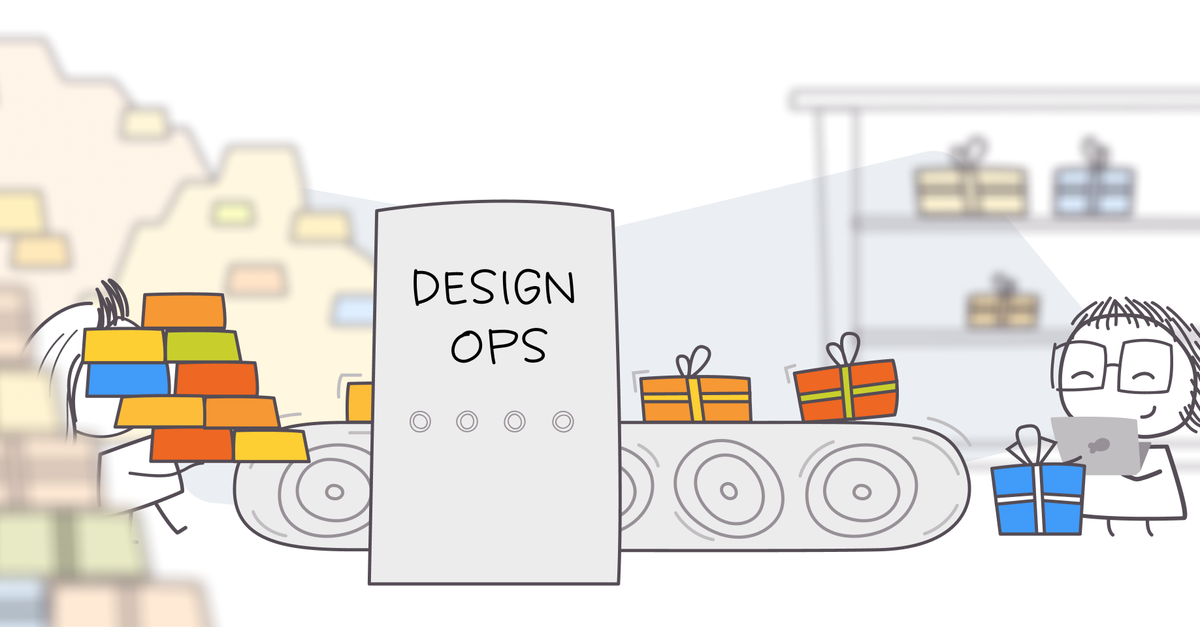
When Workflows Break, Costs Pile Up
Operations wins on efficiency.
Every broken onboarding flow, every clunky internal tool, every confusing process multiplies support tickets, slows adoption, and drains resources. Left unchecked, small inefficiencies turn into systemic costs.
Design plays a direct role here. Confusing experiences create unnecessary strain. Clear, tested workflows streamline processes, reduce support volume, and improve both customer and employee adoption.
The Design Role
Design supports operations by smoothing the workflows people rely on every day — whether that’s customers signing up, employees using internal tools, or service teams handling requests. When signals prove tasks are simple and error-free, operations gains confidence that processes can scale without hidden costs.
Instead of saying “the onboarding looks good,” design can prove “90 percent of users completed signup without needing help.” That shift moves design from nice-to-have to a lever for efficiency.
Design’s contributions show up in initiatives like:
-
Streamlining onboarding to cut early support tickets
-
Testing internal tools to improve employee adoption
-
Validating processes to remove wasted steps
-
Identifying friction that drives call volume or delays service
How Design Creates Lift
-
Reduces support costs by eliminating friction in workflows
-
Increases adoption of internal and customer-facing tools
-
Improves efficiency across teams by simplifying critical processes
Design-Supported Concepts for Operations
-
Onboarding Flow Optimization → Reduce support volume by smoothing first-use tasks
-
Internal Tool Usability → Improve adoption and speed for employee workflows
-
Support Ticket Analysis → Trace high-volume issues back to design flaws
-
Process Simplification → Remove redundant or confusing steps that slow operations
-
Form and Input Validation → Prevent errors before they trigger support calls
-
Self-Service Flow Testing → Ensure help centers and chatbots actually resolve problems
Signals That Support Operations
Operations leaders do not want opinions about processes. They want proof that workflows scale without breaking. Design signals provide that clarity.
At the decision level, signals reveal whether users can complete tasks, avoid errors, and feel confident doing so. At the business level, they connect to support costs, efficiency, and adoption speed.
With signals in place, design stops being seen as cosmetic and becomes a driver of operational performance.
Focus Signals (Decision Level)
Quick metrics that guide process efficiency:
-
Can users complete it without error? (completion, error rate)
-
How long does it take? (time on task)
-
Do they need extra help? (helpfulness, support reliance)
Example: Testing revealed only 50 percent of new customers could complete onboarding without assistance. Fixing the flow raised success to 85 percent and cut related support tickets by 40 percent.
Show Signals (Business Level)
The chain that connects design to operations outcomes:
-
Design KPI → error rate and completion in workflows
-
Product KPI → adoption speed of tools and processes
-
Business KPI → lower support costs and higher efficiency
When the signal chain holds, design earns credibility for protecting efficiency and scalability.
Wrong vs Right
-
Wrong way: Treating rising support tickets as a staffing problem
-
Right way: Showing signals that a broken flow drives 30 percent of ticket volume, then fixing it
Failure Story
An insurance firm doubled its support headcount to handle call volume. Later testing showed one confusing onboarding step caused half the tickets. A simple design fix could have prevented millions in added cost.
Interfacing with Operations
Operations runs on stability and cost control. To build trust, design has to show up as a partner who prevents inefficiency, not as an outsider focused only on polish.
Asking the Right Questions
The way in is through curiosity. Operations leaders want to know which processes break under scale. That starts by asking:
-
Which workflows generate the most support tickets?
-
Where do employees struggle with internal tools?
-
Which signals would help prove efficiency gains?
How to Ask (and Who to Ask)
Design earns its seat by partnering where inefficiency hurts most:
-
Start with support teams. Ask what problems drive the highest call volume.
-
Connect with ops managers. They track efficiency metrics and adoption rates.
-
Run workflow tests. Offer to validate processes before scaling them.
-
Network up. Share results with COOs or VP Ops to prove how design prevents cost overruns.
By framing in their terms, “What reduces support costs?” instead of “What looks cleaner?” design gets invited into core operational conversations.
Common Concerns
Operations teams will push back unless you address what is on their mind:
-
Will this actually reduce ticket volume?
-
Does this improve adoption speed?
-
Can we prove efficiency gains?
-
Will this scale as usage grows?
Building the Relationship
Trust comes when design speaks in operational outcomes:
-
Talk in terms of ticket volume, adoption speed, and efficiency
-
Respect rollout timelines by running fast-turn tests
-
Provide signals that prove process improvements
-
Be a partner who prevents costs, not one who adds complexity
Speaking Engineering Jargon
Operations lives in efficiency metrics. Learn the shorthand to connect signals to their outcomes:
-
Ticket volume → Signals show which flows cause support load
-
Handle time → Usability tests reveal how long workflows take
-
Adoption rate → Signals confirm employees or customers actually use tools
-
First contact resolution (FCR) → Testing ensures self-service solves issues
-
Cost per interaction → Design fixes reduce cost by preventing repeat calls
How to use it:
-
Instead of “this flow was confusing,” say “this step adds 2 minutes to handle time.”
-
Instead of “users needed help,” say “confusion here created 500 tickets last quarter.”
-
Instead of “the design feels simpler,” say “this fix cuts cost per interaction.”
When you speak in operational terms, design becomes part of efficiency and scale.
Where Trust Grows
The relationship shifts when design helps operations teams cut costs, increase adoption, and prevent inefficiency. That is when design is seen as vital to scalability.
Quick Exercise
Ask your operations lead which workflow drives the most support tickets. Run a 2-day usability test on it. Share back whether users could complete it error-free and how many steps were unnecessary.
Quick Test
Ask these three questions to know if design is shaping the operations workflow:
-
Did usability testing reduce errors in workflows?
-
Did adoption or efficiency improve?
-
Did it move an operations metric leaders already track, like support costs or handle time?
If all three are yes, design has proven its impact on operations.